
mFlashZip
LinuxDoors.com for android · Files & Sharing
- Version1.0
- Size38.4 MB
- NeedsAndroid 7.0
- Downloads58
Nothing here is locked. The download is the whole app, working, with no trial timer, no licence key and no account to make. A price is not rent on a switch we can turn off — it is for the work that put the app in your hands: the hours of designing, building and testing it, the hours of keeping it working as Android changes underneath it, and the servers and bandwidth that carry the download to you.
Those hours support the person who wrote it and the people they love, the same as any other kind of work.
Anything marked $0.00 is exactly that — free, no asterisk.
Checks or money orders, sent to the programmer:
To: Stanley Switaj
3438 Eden Street
Philadelphia, PA 19114
Put the name of the app on the memo line if you can, so it reaches the right work.
You download it first. Install it, use it for real, and if it earns a place in what you do, then pay the price shown. If it is not for you, you owe nothing and nothing will ask you again.
A paid copy and an unpaid copy are the same app and behave the same way. There is no check, no nag screen and no difference in what you get. Paying is you choosing to support the person who made it, after it has proved useful to you.
If you think it is worth more than the price shown — next to what similar software costs elsewhere — paying more is always welcome. Every little bit helps, and thank you.
About mFlashZip
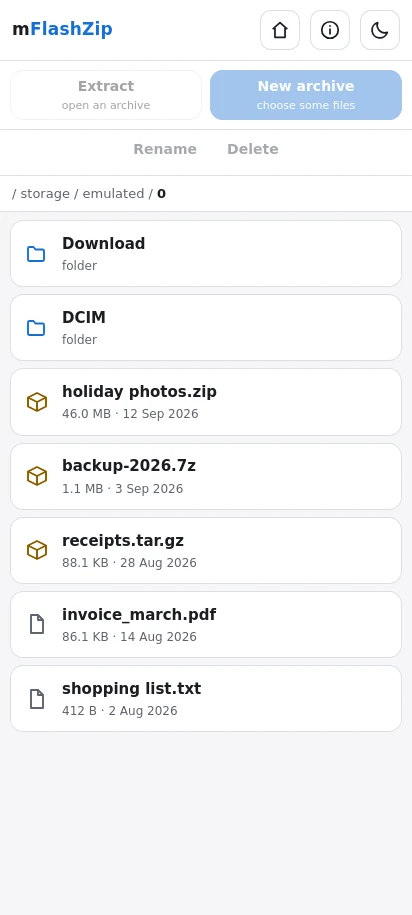
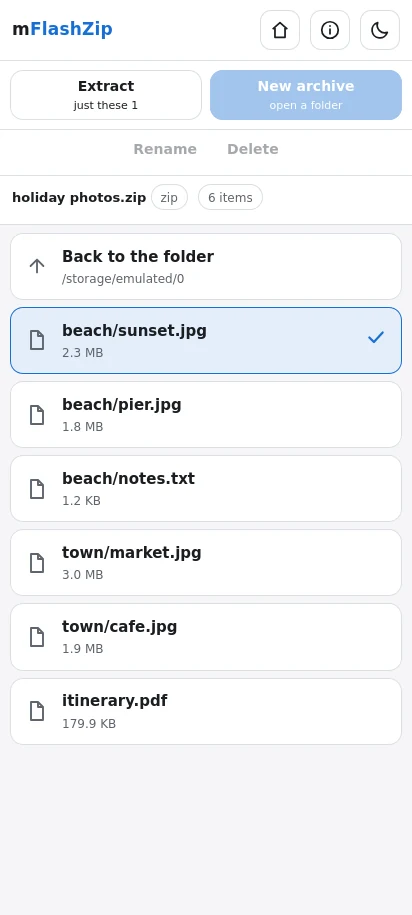
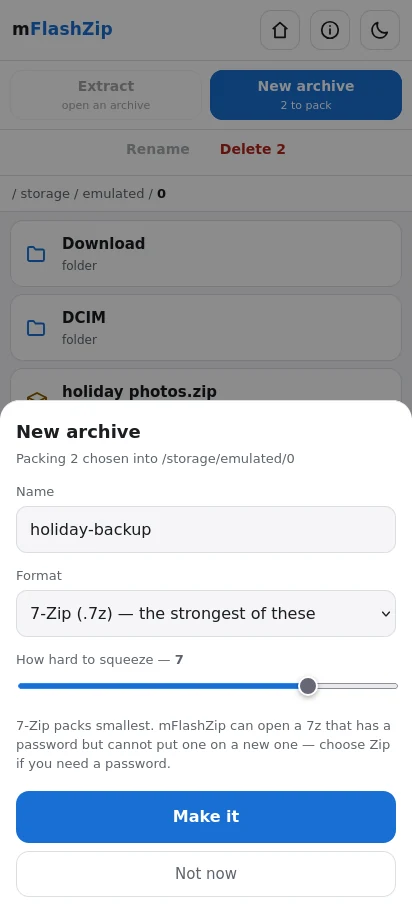
FlashZip on a phone. Open an archive, see what is inside it, take things out one at a time or all at once, and pack new ones.
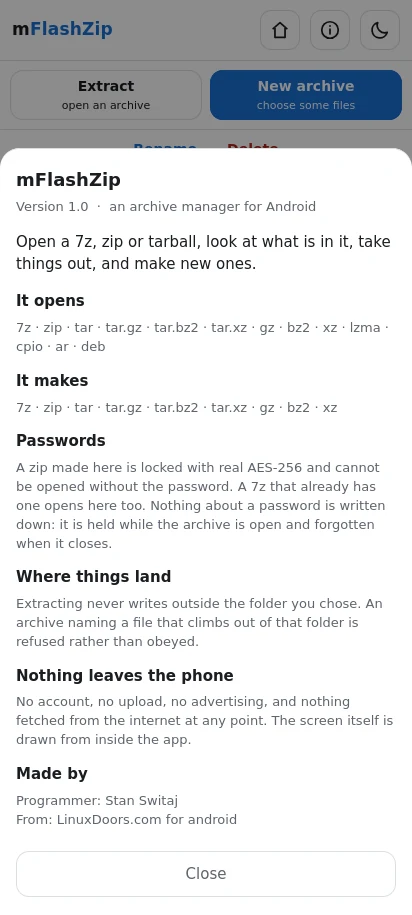
WHAT IT OPENS 7z, zip, tar, tar.gz, tar.bz2, tar.xz, gz, bz2, xz, lzma, cpio, ar and deb.
WHAT IT MAKES 7z, zip, tar, tar.gz, tar.bz2, tar.xz, gz, bz2 and xz, with the squeeze set where you want it.
PASSWORDS A zip made here is locked with real AES-256, and cannot be opened without the password. A 7z that already has a password opens here too. Nothing about a password is written down: it is held while the archive is open and forgotten when it closes.
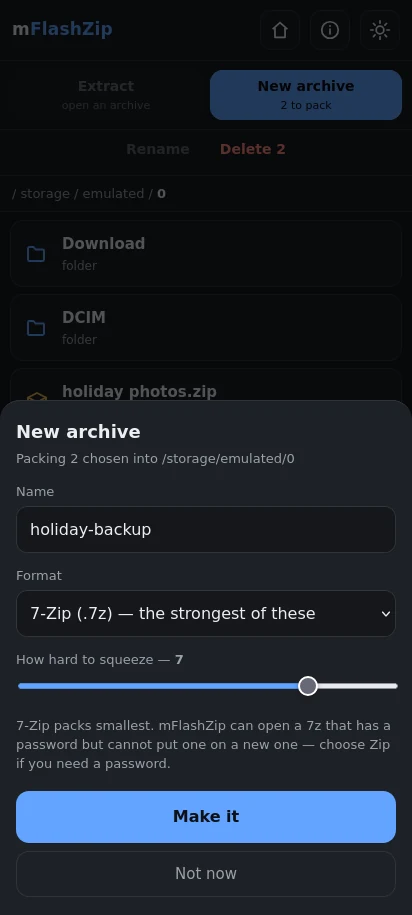
IT REMEMBERS WHAT YOU LIKE The format you last packed in, how hard you like it squeezed, and whether you keep it light or dark. Close the app, open it a week later, and it comes back the way you left it.
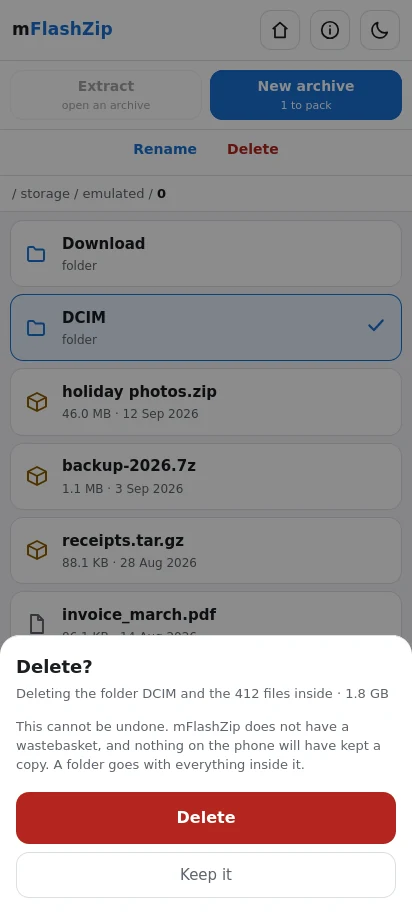
RENAME AND DELETE, WITHOUT LEAVING Not everything needs a second app. Rename a file where it sits. Delete a file, or a folder with everything in it.
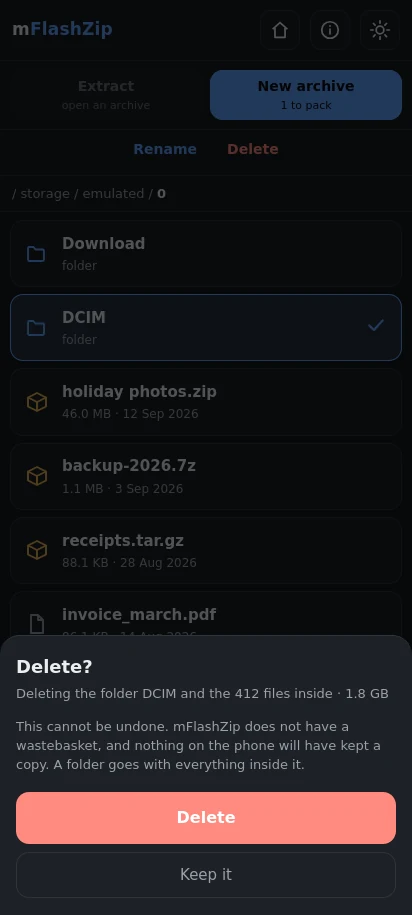
Deleting always asks first, and asks a question worth answering: not "Delete Photos?" but "Deleting the folder Photos and the 412 files inside, 1.8 GB". It counts what is there before it asks, at every depth, so you know what you are agreeing to. There is a Keep it next to the Delete, and nothing goes until you choose.
Some things it will not delete at any request: the folder your storage starts in, and the phone's own system folders. A link is unlinked rather than followed, so removing a shortcut never removes what it points at.
IT WILL NOT WRITE OUTSIDE THE FOLDER YOU CHOSE An archive can name the things inside it anything at all, including a path that climbs out of the folder you are extracting into and overwrites something else. That is an old trick and a real one. mFlashZip resolves every destination and refuses any that does not land under the folder you picked. The same care goes into renaming: a name is a name, never a path.
EASY TO GET AT Extract and New archive sit at the top, under the title, and stay there while the list scrolls. Rename and Delete sit under them. Tap a file to choose it, tap an archive to look inside.
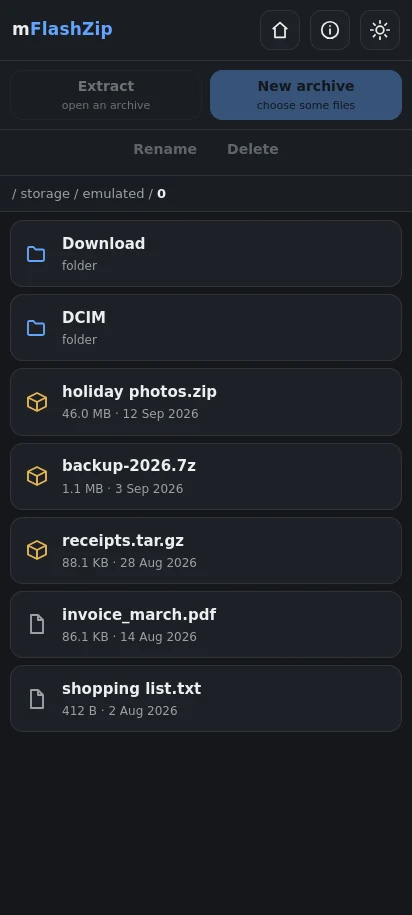
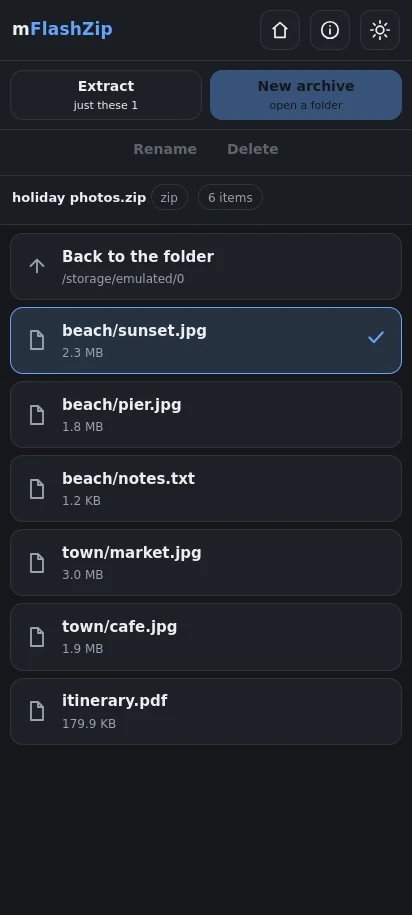
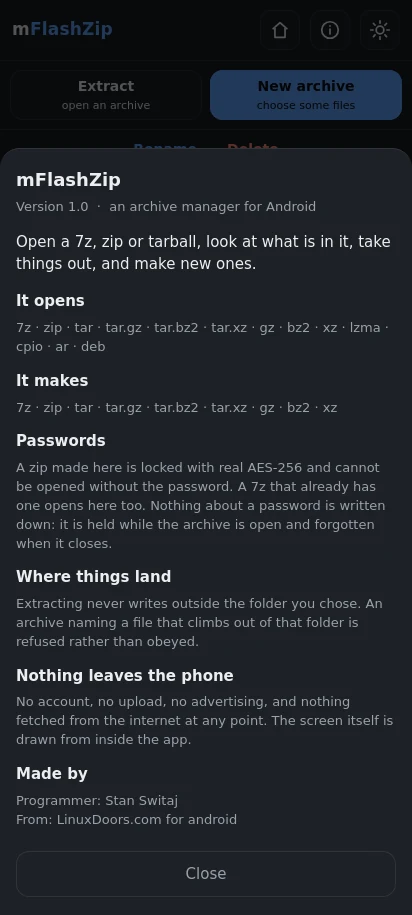
LIGHT AND DARK Both, with a switch in the corner. It follows the phone until you choose, and then it remembers.
NOTHING LEAVES THE PHONE No account, no upload, no advertising, and nothing fetched from the internet at any point. The screen itself is drawn from inside the app.
WHAT IT DOES NOT DO, AND WHY rar, because it is proprietary and nothing on Android can write it. A password on a new 7z, because the library that reads encrypted 7z will not write one, and offering it then failing would be worse than saying so here. Zip is offered for that instead.
What it is for
Somebody sends you a .7z and the phone has no idea what to do with it. Or you want to send twelve photographs as one file rather than twelve. Or there is a zip in Downloads with a password on it and nothing on the phone will open it. Or you have unpacked something, taken what you wanted, and now there is a folder of leftovers you would like gone.
Android has no archive manager of its own. The ones in the store mostly want an account, or an advertising identifier, or permission to see rather more than a zip file requires. This one asks for the files and nothing else, and does the small jobs around archives -- rename, delete, tidy up -- so that opening one does not mean opening two apps.
What it looks like
What you are downloading
| Package | com.mFlashZip.mFlashZip |
|---|---|
| Version | 1.0 (1) |
| Published | 14 September 2026 |
| Size | 38.4 MB |
| Built for | arm64-v8a, x86_64 |
| Needs | Android 7.0 and up |
| Price | $3.00 |
Checksum of the file
58505db0 ee2310ef b2405868 2b54d9da 2f95147e e0ab48dc 289ba607 19e2ec62
Signed by
3f844a6d a7d61342 16420a1b b05d6654 9719d308 803832d4 f89c507c 4f4602a9
Every version of this app is signed with the same key. If that second value ever changes, it did not come from the same hands — and Android will refuse to install it over the one you have.