mLinuxUltraGrep
LinuxDoors.com for android · Developer
- Version1.0
- Size37.4 MB
- NeedsAndroid 7.0
- Downloads38
Nothing here is locked. The download is the whole app, working, with no trial timer, no licence key and no account to make. A price is not rent on a switch we can turn off — it is for the work that put the app in your hands: the hours of designing, building and testing it, the hours of keeping it working as Android changes underneath it, and the servers and bandwidth that carry the download to you.
Those hours support the person who wrote it and the people they love, the same as any other kind of work.
Anything marked $0.00 is exactly that — free, no asterisk.
Checks or money orders, sent to the programmer:
To: Stanley Switaj
3438 Eden Street
Philadelphia, PA 19114
Put the name of the app on the memo line if you can, so it reaches the right work.
You download it first. Install it, use it for real, and if it earns a place in what you do, then pay the price shown. If it is not for you, you owe nothing and nothing will ask you again.
A paid copy and an unpaid copy are the same app and behave the same way. There is no check, no nag screen and no difference in what you get. Paying is you choosing to support the person who made it, after it has proved useful to you.
If you think it is worth more than the price shown — next to what similar software costs elsewhere — paying more is always welcome. Every little bit helps, and thank you.
About mLinuxUltraGrep
grepWin's answer, on a phone. Type what you are looking for, say where to look, press Find. It looks inside files the way grep does, and it looks for files by name the way find does.
THE SAME ENGINE AS THE DESKTOP The searching is LinuxUltraGrep's own code, lifted whole from the desktop program and not rewritten smaller: the same filters, the same matching, the same trimming of a line down to what you were looking for. A search here answers what a search there answers.
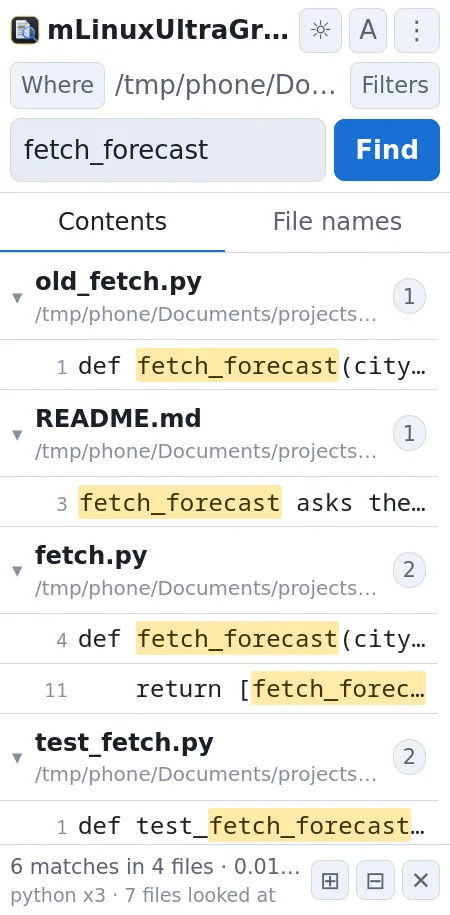
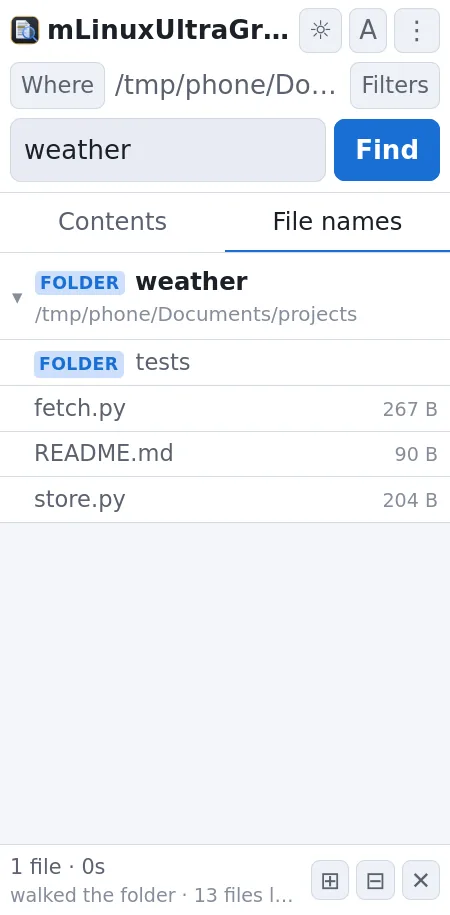
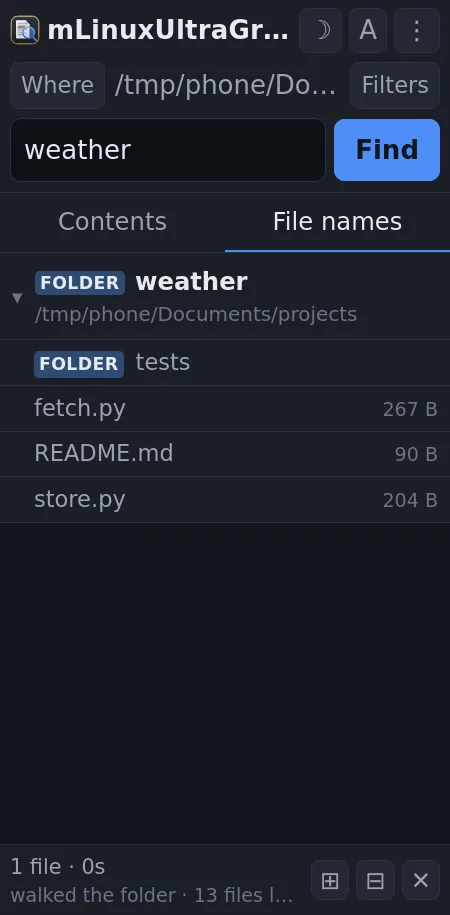
TWO SEARCHES, TWO TABS Contents looks inside files. File names looks at the names themselves. They are separate because they are separate questions, and mixing them means half your results are always the kind you did not ask for. They share the filters underneath, so switching tabs is not setting it all up again.
FOLDERS, NOT ONLY FILES Include folders matches the folders themselves. Any folder in the results has an arrow: open it and it lists what is in it, folders first, and those open too, so a match can be walked down into rather than only glanced at. What is inside is read when you open it, not when you search -- a name search can match hundreds of folders, and reading every one of them up front would turn a search of storage into that search plus hundreds of directory reads.
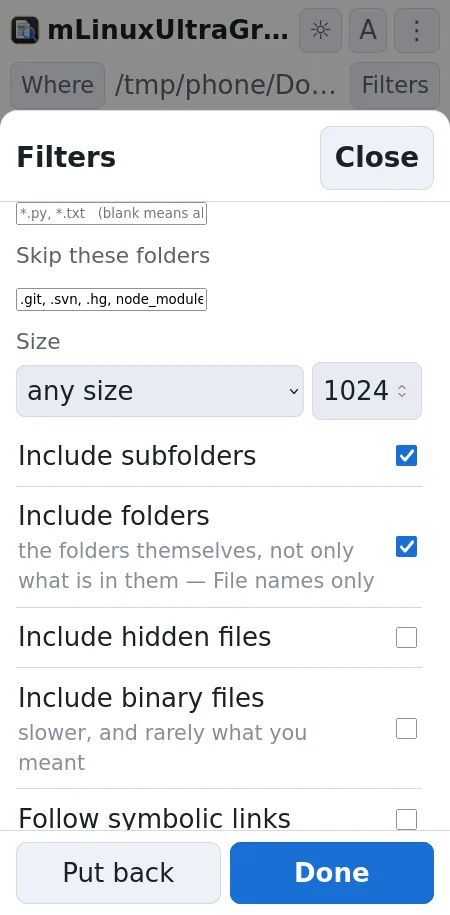
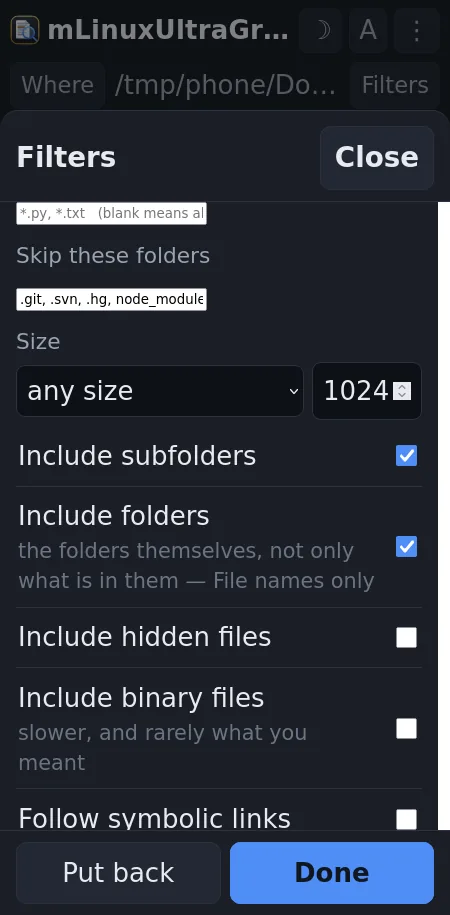
WHICH FILES GET LOOKED AT Name patterns, folders to skip, subfolders or not, hidden files, binary files, symbolic links, and a size limit. It comes back the way you left it, every box as it was. A filter that quietly resets itself overnight is a fine way to wonder why the same search now finds something else.
IT SAYS HOW FAR ALONG IT IS A bar under the header. While the folder is still being listed it sweeps, because nothing knows how many files a folder holds until it has been through it and there is no honest percentage to show yet. Once the walk finishes it becomes a real fraction of a real total. Stop actually stops, between batches of files, rather than promising to.
REPLACING It shows you what it will do before it does it: every match, the line as it stands and the line as it would become. Untick what you would rather keep. Nothing is written until you press the button, backups are on by default, and file dates can be kept.
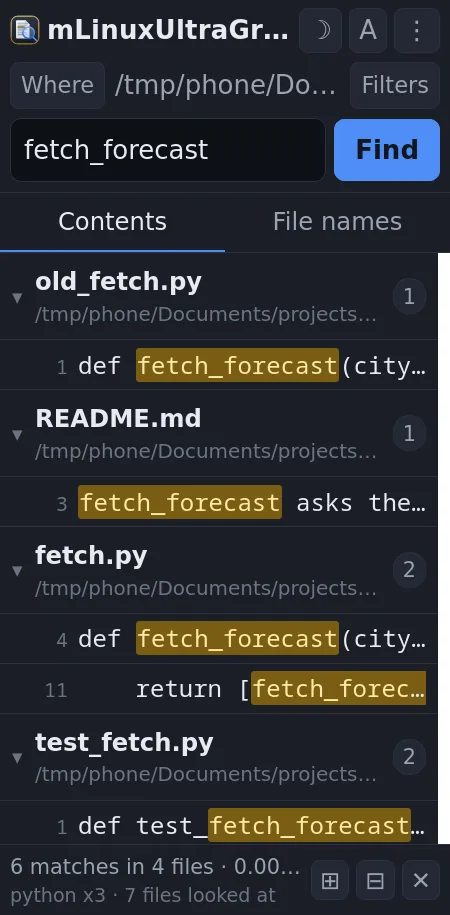
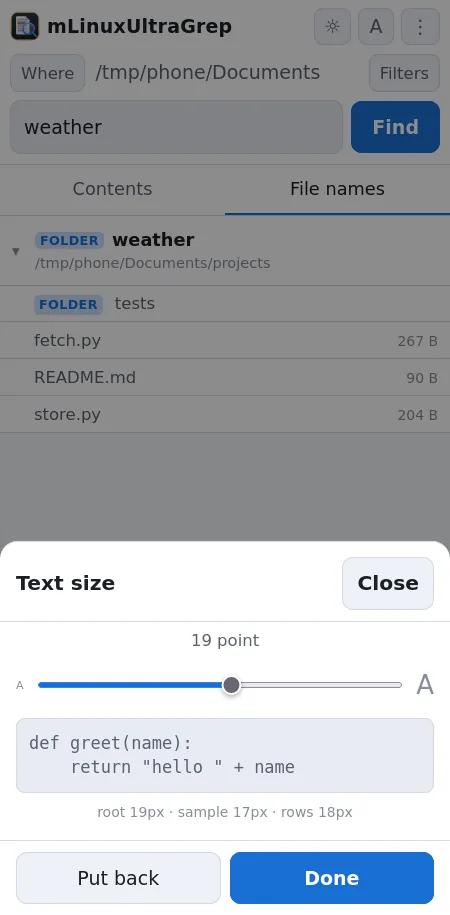
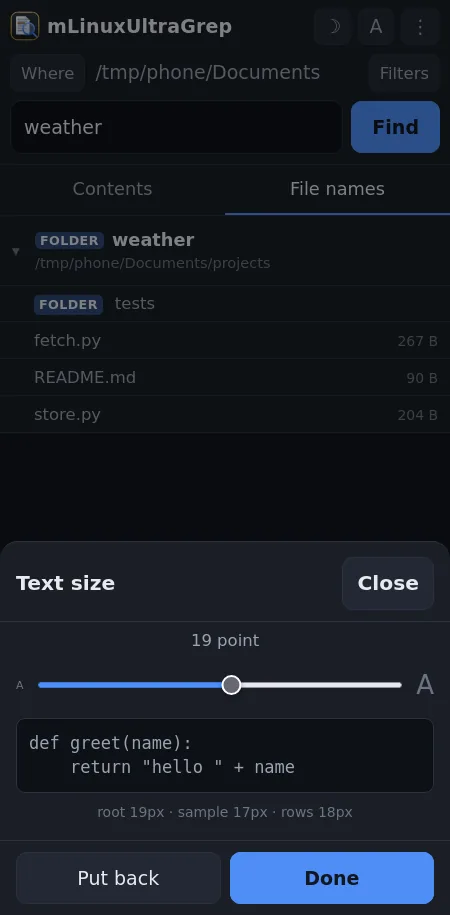
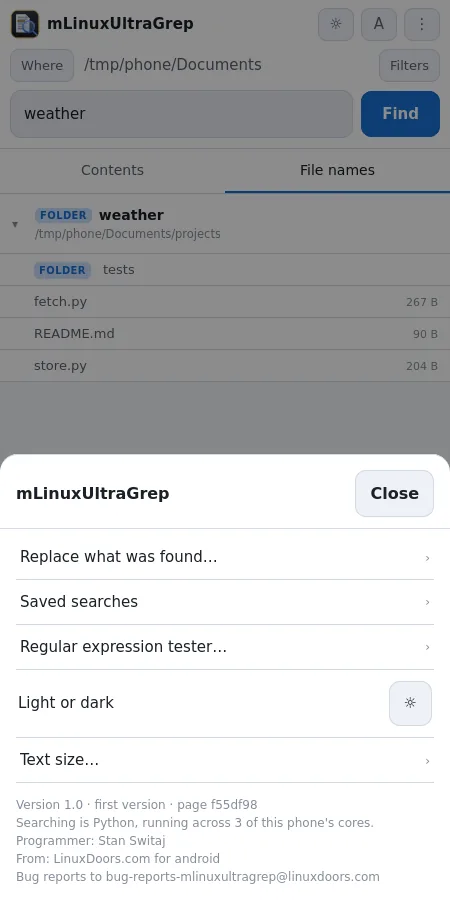
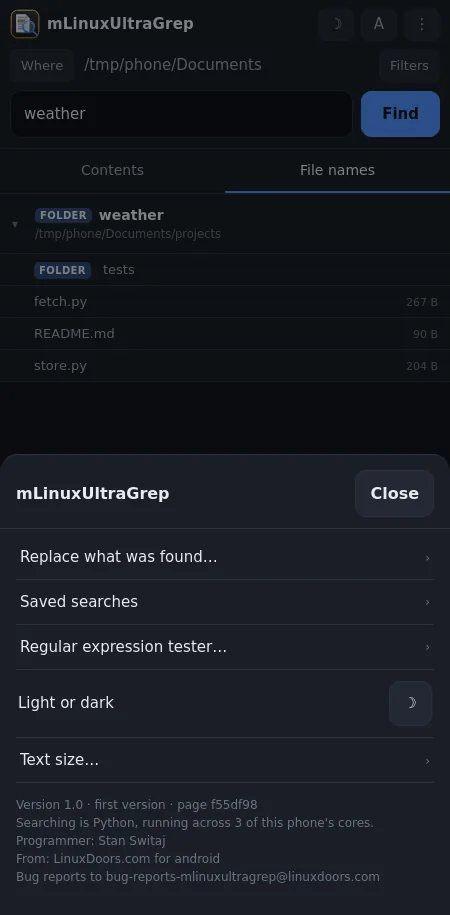
THE REST OF IT A regular expression tester, saved searches, and a text size slider that reaches what is already on screen rather than only the next thing drawn. Light and dark, remembered. Expand all, Minimise all and Clear sit at the foot, where a thumb already is.
WHAT IT DOES NOT DO No account. No advertising. Nothing it does leaves the phone: the page talks to the app over a socket only this app can reach, with a key made fresh each time it starts. It asks for your files and nothing else.
What it is for
Something on the phone has a line in it you need to find, and you do not know which file. On a desktop that is grep, or grepWin if you would rather see it than type it. On a phone it is usually nothing at all: the file manager searches names, badly, and nothing searches inside anything.
This is the desktop program's own searching, running on the phone. Ask it for a word and it tells you which files have it, which lines, and where in the line -- across thousands of files, off real storage, with a bar saying how far along it is and a Stop that stops.
What it looks like
What you are downloading
| Package | com.mLinuxUltraGrep.mLinuxUltraGrep |
|---|---|
| Version | 1.0 (1) |
| Published | 18 September 2026 |
| Size | 37.4 MB |
| Built for | arm64-v8a, x86_64 |
| Needs | Android 7.0 and up |
| Price | $1.50 |
Checksum of the file
c60b58f8 bd7a58a9 0a99171e b18953a9 6cd74457 1651df4d d6074658 1e95dacd
Signed by
8b1f1856 170af352 847179c2 73dc1046 5b0fe001 bb8c54bd 987c259c aa18fb0a
Every version of this app is signed with the same key. If that second value ever changes, it did not come from the same hands — and Android will refuse to install it over the one you have.